SSLBoard as a Red Sift Certificates alternative
Red Sift Certificates is a solid certificate monitoring platform. It tracks certificate expiry, discovers new issuances via Certificate Transparency logs, and alerts you before things lapse. Let’s Encrypt recommends it for expiration monitoring, which says something about its reliability.
But certificate inventory is only one part of TLS posture. Knowing which certificates you have and when they expire doesn’t tell you whether your servers are still accepting TLS 1.0, negotiating weak ciphers, or missing DNSSEC. If the question you need to answer is “how does our TLS configuration actually look?”, Red Sift Certificates won’t get you there.
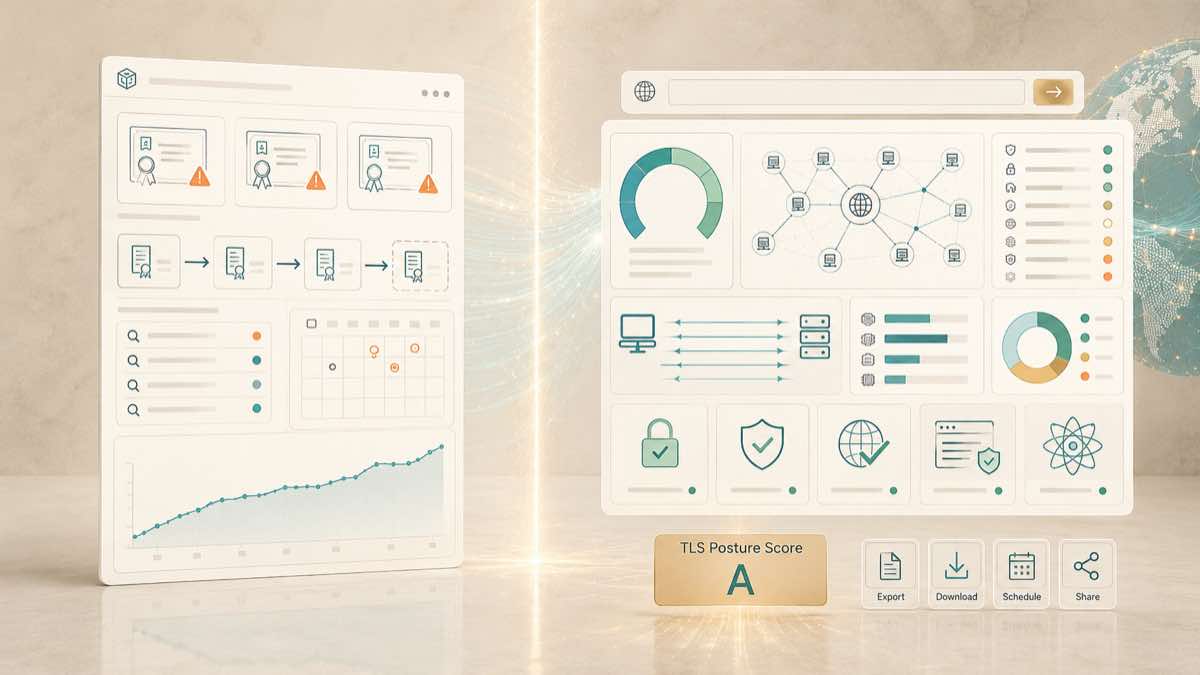
SSLBoard will. You type a domain, and a few minutes later you have a report covering certificates and TLS configuration together. No account required.
What is Red Sift Certificates?
Red Sift Certificates is an automated certificate discovery and monitoring tool. It comes in two tiers.
Certificates Lite is free and lets you monitor up to 250 certificates. Discovery is manual: you enter hostnames and it finds certificates via CT logs. You get email alerts 7 days before a certificate expires. There’s no network scanning, no cloud integrations, and no API access.
Certificates Enterprise adds automated discovery across hosts, network ranges, domains, and IPs. It integrates with AWS, GCP, and Azure to find certificates across cloud infrastructure. It scans daily, monitors CT logs continuously, and offers configurable alerting with multiple notification thresholds. You also get a unified dashboard, issuance history, and DNS monitoring.
Both tiers require an account. Enterprise pricing isn’t published, but public data from procurement platforms puts Red Sift contracts in the range of $3,000 to $5,000 annually for smaller deployments, scaling higher for larger environments.
Where Red Sift Certificates falls short
Red Sift Certificates is good at answering “what certificates do I have and when do they expire?” It’s less helpful when the question is broader.
The Lite tier is limited in useful ways. 250 certificates sounds reasonable until you have a few dozen subdomains with multiple SANs. The 7-day expiry alert is a single email with no configurability. There’s no network scanning, so if a certificate is deployed on an endpoint that isn’t in CT logs, Lite won’t find it. And there’s no API, so you can’t integrate the data into your own tooling.
The Enterprise tier removes those caps but adds a different one: cost and commitment. You need a sales conversation, a contract, and an account before you see anything. If you just need a one-time audit or a periodic check before compliance reviews, that’s a lot of process for one report.
The bigger gap is scope. Red Sift Certificates focuses on the certificate layer. It tracks issuance, expiry, revocation, and deployment. It surfaces some configuration data like key strength and algorithm type. But it doesn’t audit the TLS handshake itself. It won’t tell you which endpoints still negotiate TLS 1.0 or 1.1, which cipher suites they accept, whether they support forward secrecy, or whether they’ve enabled post-quantum key exchange. It doesn’t check DNSSEC or CAA records. It doesn’t check HTTP security headers like HSTS.
There’s no aggregate posture score either. Red Sift gives you a dashboard of certificate status, which is useful for operational monitoring. But if someone asks “how does our TLS look?”, you can’t point them at a single summary that covers configuration alongside certificate health.
There’s also no on-demand option. You can’t type a domain and get a one-off report. You sign up, add domains, and wait for scans to populate. That works for persistent monitoring but not for one-off assessments or vendor evaluations.
How SSLBoard is different
SSLBoard scans at the domain level. You type a domain, and it discovers hostnames via Certificate Transparency logs and DNS enumeration, then performs active TLS handshakes against every resolved IP. A few minutes later you have a single report covering everything we found.
The report goes beyond certificate inventory. It covers certificates (expiration timelines, issuer distribution, key types and sizes, SAN coverage), TLS versions (which endpoints still negotiate deprecated protocols and the CVEs associated with them), cipher suites (3DES, RC4, EXPORT, NULL, and CBC-mode weaknesses mapped to the hosts that accept them), forward secrecy, key analysis, HTTP security headers (redirect behaviour and HSTS), DNSSEC and CAA policy, connection errors, and post-quantum readiness.
Each report produces a weighted posture score broken down by category, so you can track where your gaps are and whether they’re improving. Every report is shareable via a link. The full report includes per-host breakdowns with CSV, Markdown, and JSON exports for audit documentation.
No account to create, nothing to maintain between scans. You scan before a compliance review, after a certificate rotation, when evaluating a third party, or any time someone asks how your TLS looks and you need an actual answer.
When to use Red Sift Certificates vs. SSLBoard
Red Sift Certificates makes sense if your primary concern is certificate lifecycle. If you manage a large portfolio of certificates and need continuous monitoring for expiry, revocation, and unauthorized issuance with cloud integrations for AWS, GCP, and Azure, it’s built for that.
SSLBoard is a better fit when you need to audit TLS configuration, not just track certificates. It covers protocol versions, cipher suites, key strength, DNSSEC, security headers, and post-quantum readiness alongside certificate health, all in one report. And you don’t need an account or a contract to run a scan.
You could use both. Red Sift Certificates for ongoing certificate inventory. SSLBoard when you need to see how those certificates are actually configured and deployed.
Getting started
Go to sslboard.com, type your domain, and wait a few minutes. Your first scan is always free, with the full report including score, findings, and per-host breakdowns. No account required.